1. Log in to the forums. 2. Click on My Profile. View Image 3. Click Edit. View Image 4. Scroll down until you see Upload a Picture. Click Browse and find your picture on your computer. View Image 5. Scroll all the way down and click Save.
Discussion Forum
Get It All!
UNLIMITED Membership is like taking a master class in woodworking for less than $10 a month.
Start Your Free TrialCategories
Discussion Forum
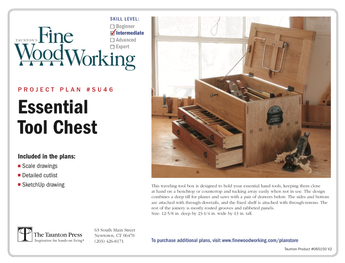
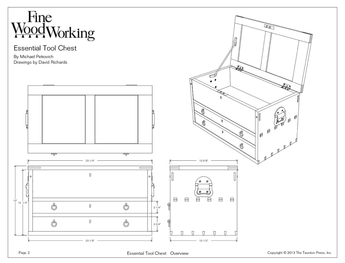
Digital Plans Library
Member exclusive! – Plans for everyone – from beginners to experts – right at your fingertips.

Highlights
-
Shape Your Skills
when you sign up for our emails
This site is protected by reCAPTCHA and the Google Privacy Policy and Terms of Service apply. -
 Shop Talk Live Podcast
 -
 Our favorite articles and videos
 -
E-Learning Courses from Fine Woodworking
-
-








Replies
How about a note on just uploading a regular attachment or photo in a response (not a new post)?
This is the most fussy thing made. It has to 200 x 200 or it won't work. I also tried to get a avitar to load, and no go????
Taigert
When I try to upload profile pic , message says my e-mail address is not availible?
This forum post is now archived. Commenting has been disabled